
Paint your own
enchanted world.
Glide your finger or Apple Pencil across delicate fairy and cottagecore line art on archival handmade paper. Watch watercolour bloom, layer glossy Liquid Metal and tilt-reactive glitter, and stay effortlessly inside the lines.
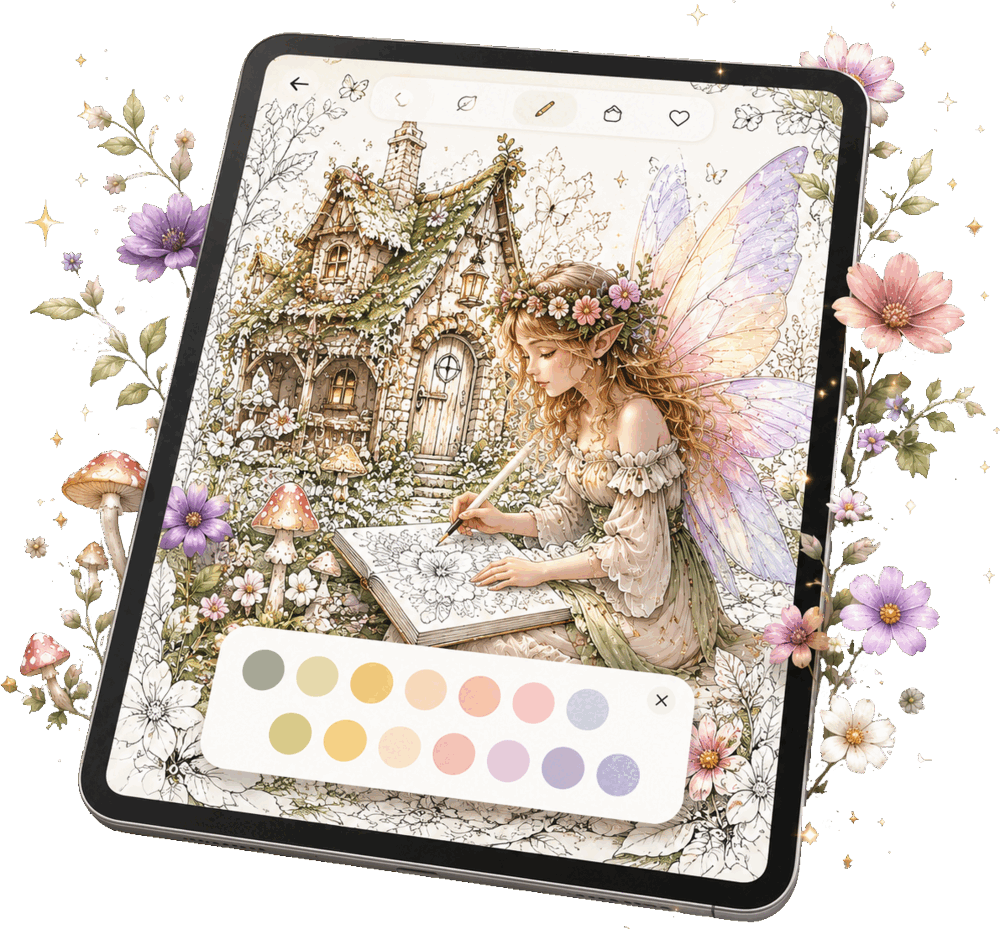
Magic at your fingertips
A complete watercolour, glitter and metallic studio on iPhone and iPad — without the mess or the stress.
Watercolour & Wet Paint
Twelve expressive tools — Fill, Glaze, Bloom, Blossom, Puddle, Brush, Pencil, Smudge and more — plus live Wet Paint mode where pigment keeps flowing on damp paper.
Glitter & Liquid Metal
Add Metallic, Iridescent and Holographic glitter that sparkles as you tilt your iPhone or iPad, or accent fine details with glossy Liquid Metal in Gold, Silver, Bronze and Platinum.
Four Archival Papers
Switch anytime between Cold press, Hot press, Rough, and pressed-fibre Handmade paper — each with real cotton tooth, valley settling and natural pigment granulation.
Stay in Lines & Linework
Toggle a gentle magic barrier to keep strokes inside delicate outlines, and slide Linework opacity down to soften ink edges for a dreamy, painterly finish.
Custom Palettes & Picker
Start with curated Classic and Pigments pan sets, sample shades off your canvas with the Eyedropper, or build and name your own custom palettes with a full colour picker.
Your Living Sketchbook
Your progress auto-saves as you paint. Export crisp PNGs, or tap Continue painting in your Sketchbook anytime with every watercolour layer and glitter fleck preserved.
The Studio Toolkit
Real pigment, liquid metal & live sparkle
From luminous glazes, bleeding blooms and textured pencil to glossy Liquid Metal and three live-shimmering glitter finishes that catch the light as you tilt your iPhone or iPad.
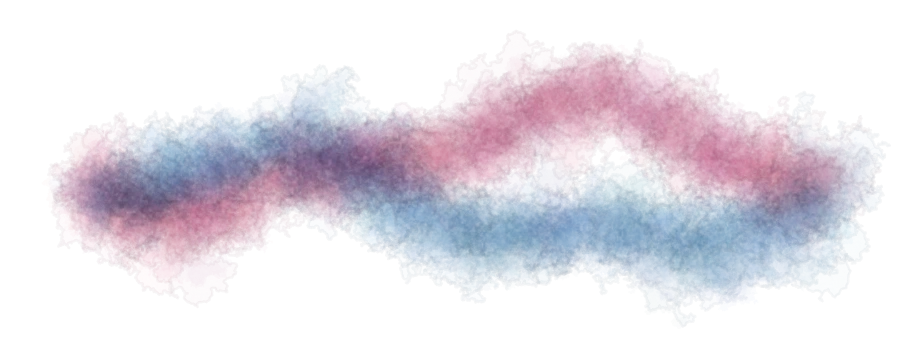




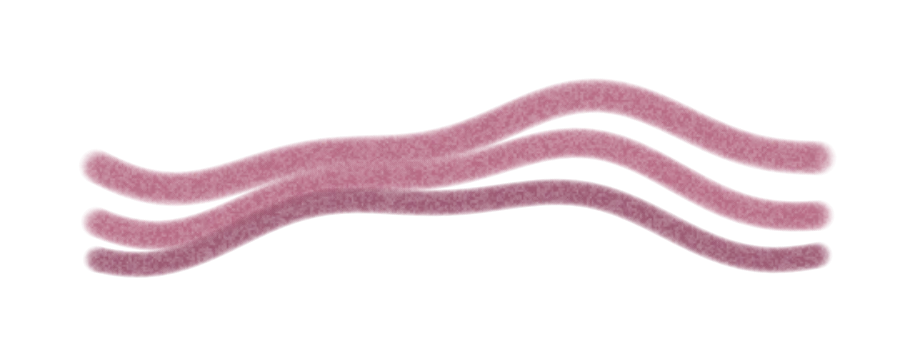


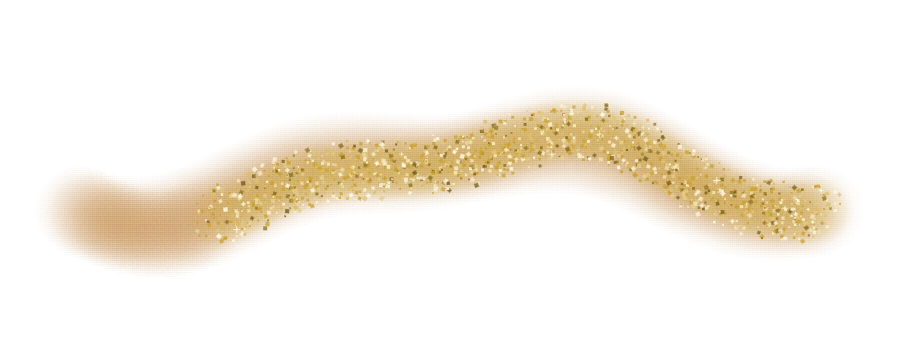

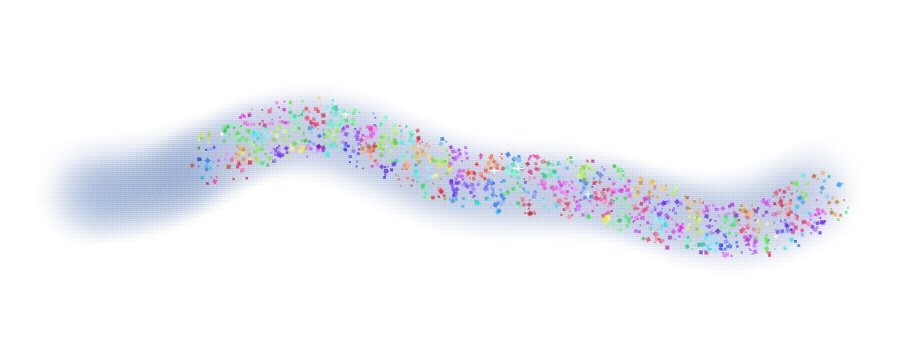
Plus Eraser to lift pigment back to bare paper, Eyedropper to sample any shade off your artwork, and Wet Paint mode below.
Every swatch above was painted by the app's own engine on archival cold-press paper — the three glitter swatches are still running it live, sweeping light across real flecks. Liquid Metal also scales down to a fine 2px gilded liner for tiny stars and jewellery.
Wet Paint Mode
Paint on paper that is still wet
Colour keeps travelling after you lift your finger or Apple Pencil — spreading into the damp, settling into cotton valleys and handmade rag fibres, leaving tide-marks as it dries. Try the real app engine right here in your browser.
A sheet of damp watercolour paper printed with a fairy drawing. Drag a mouse, pen or finger across it to paint; the colour keeps spreading after you let go. Painting needs a pointer and cannot be done from the keyboard. The pigment, brush size, paper stock, wetness and drying controls that follow do work from the keyboard, and change what the next stroke does.
Pigment
Brush
Paper Stock
Water
WetDrying settles the pigment into the paper and leaves the tide-marks behind.
A studio made for iPad
One free universal download adapts seamlessly from pocket-sized painting on iPhone to a full two-rail creative workspace on iPad.
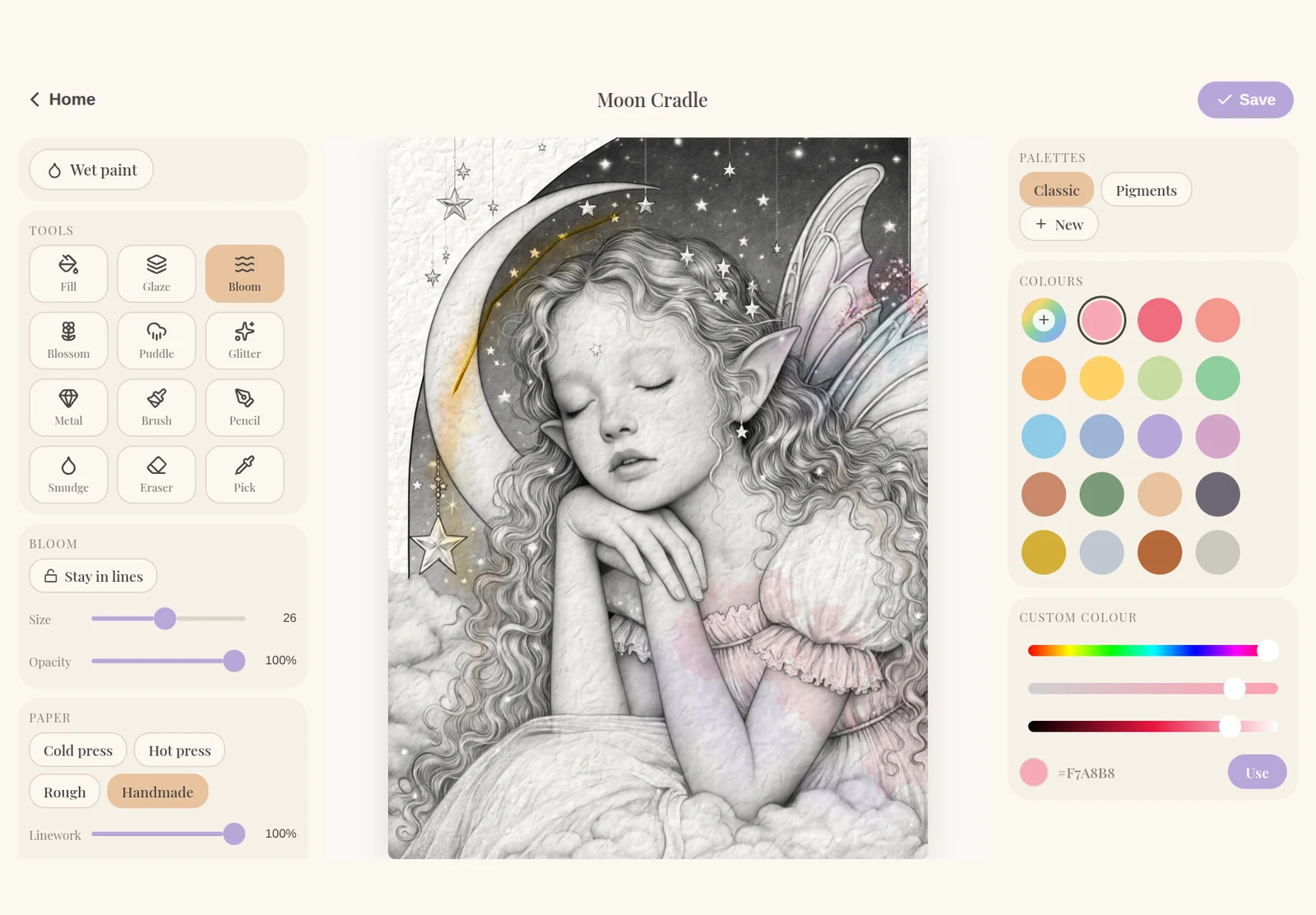
Captured directly from the iPad landscape studio — showing Handmade cotton paper, all 12 tools, Linework opacity control, and the inline custom colour picker.
Two-rail landscape studio
Tools, sliders and paper stocks sit neatly on the left; palettes and the inline colour picker stay live on the right — leaving a wide, uninterrupted canvas in the centre.
Wide portrait console
Rotate your iPad upright and the same studio tools arrange themselves into a calm, structured tray beneath your full-page illustration.
Apple Pencil & keyboard ready
Glide across archival paper with Apple Pencil or touch, pinch to zoom into delicate wing veins, and press ⌘Z on a hardware keyboard to undo.
Spacious iPad gallery
Browse all 13 themed packs and your saved Sketchbook paintings across an expansive multi-column gallery tailored for iPad screens.
A world of imagination
100 hand-drawn illustrations across 13 themed packs — begin with 4 free Moon Faeries pieces, and unlock optional packs for £2.99 each.
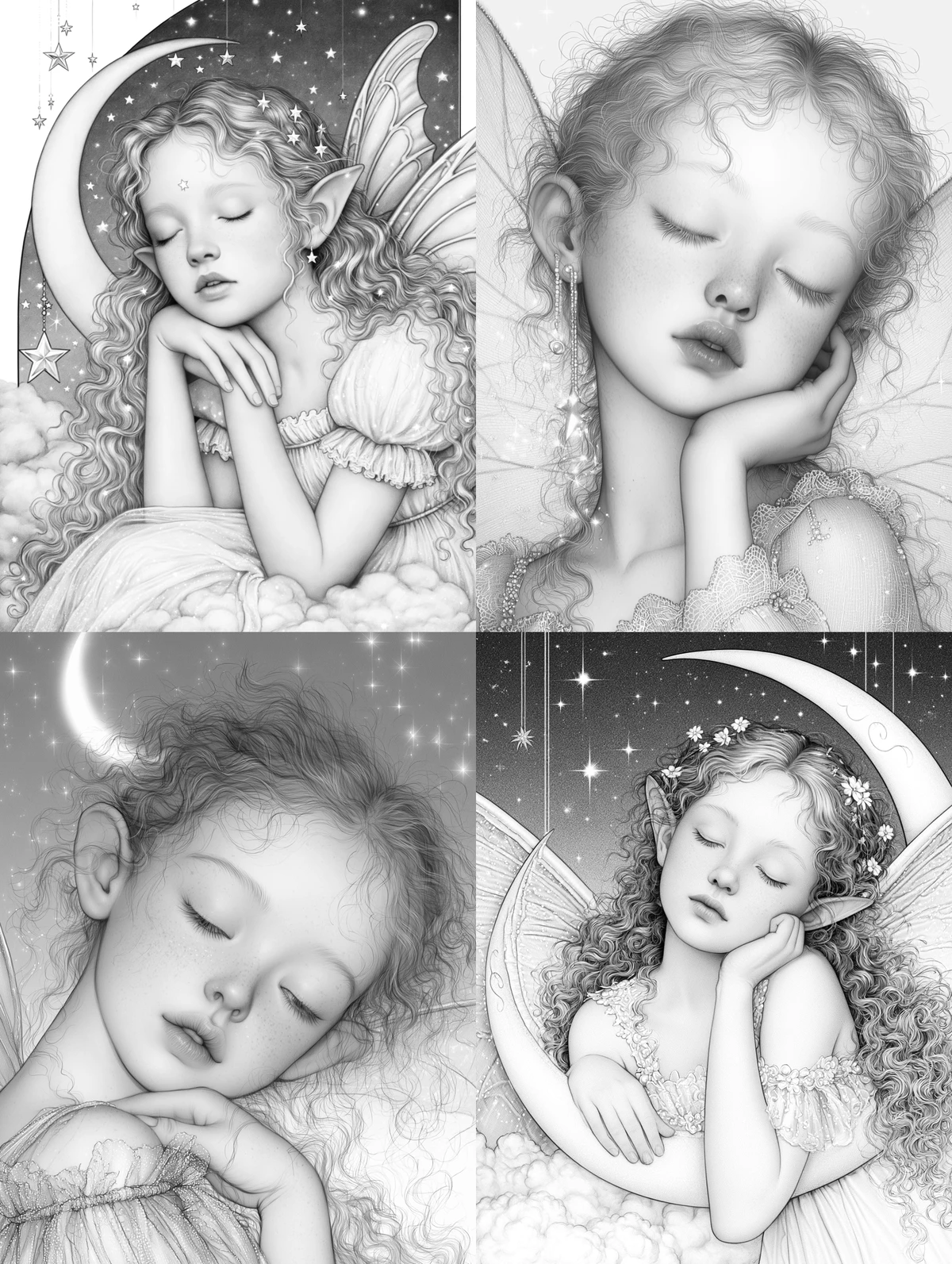 Free
Moon Faeries · included free
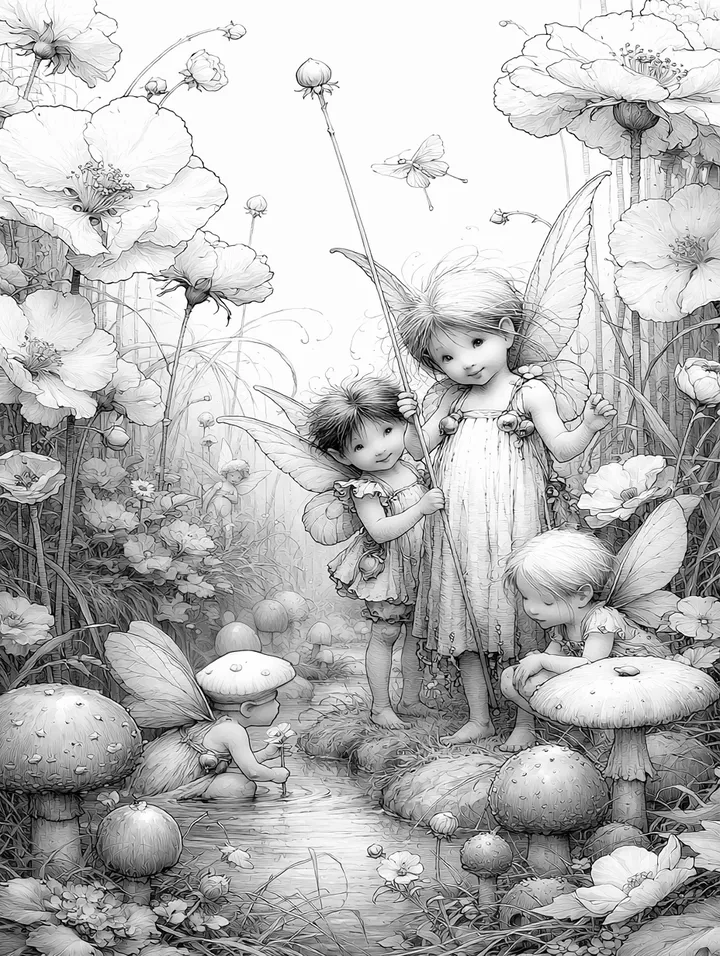 £2.99
Blossom Faeries
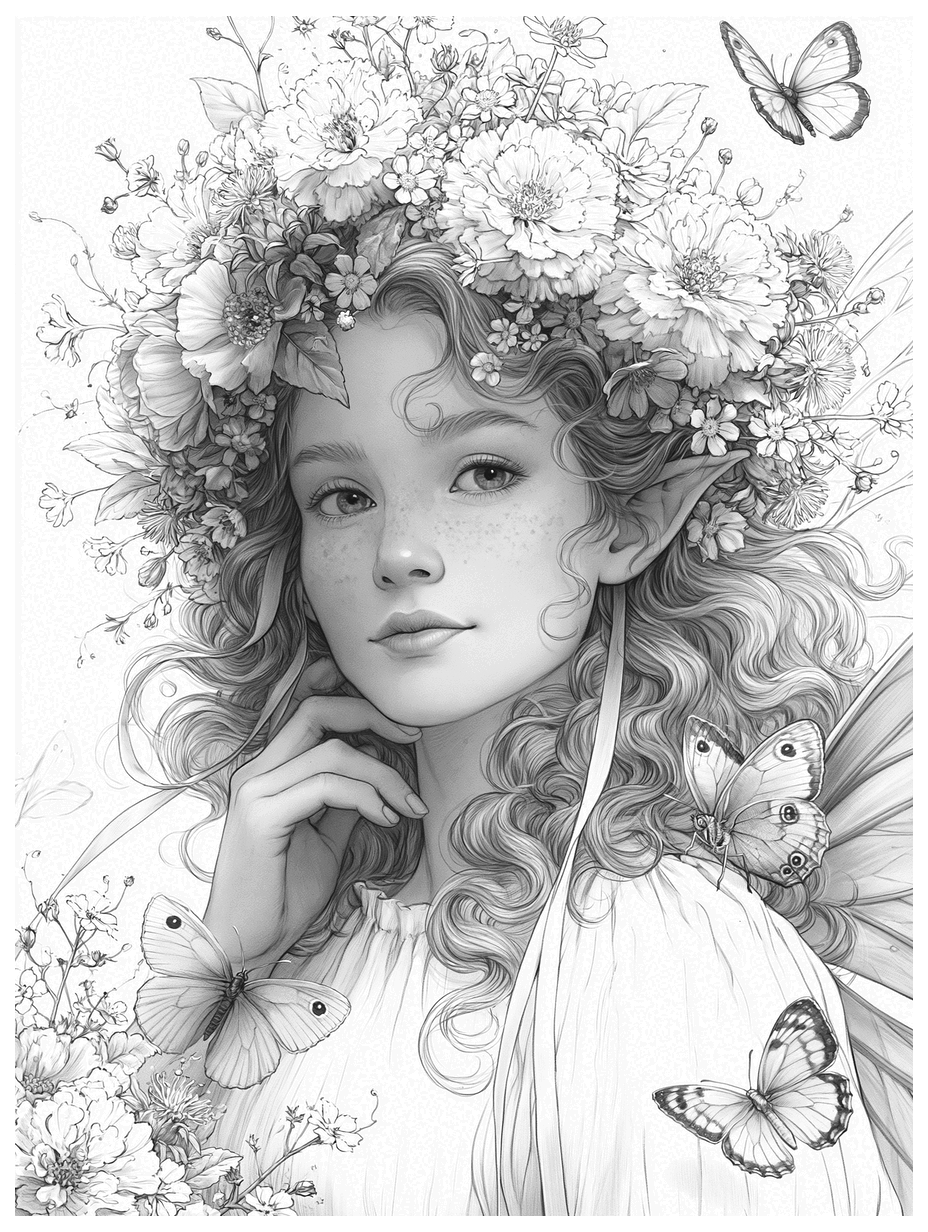 £2.99
Flower Crowns
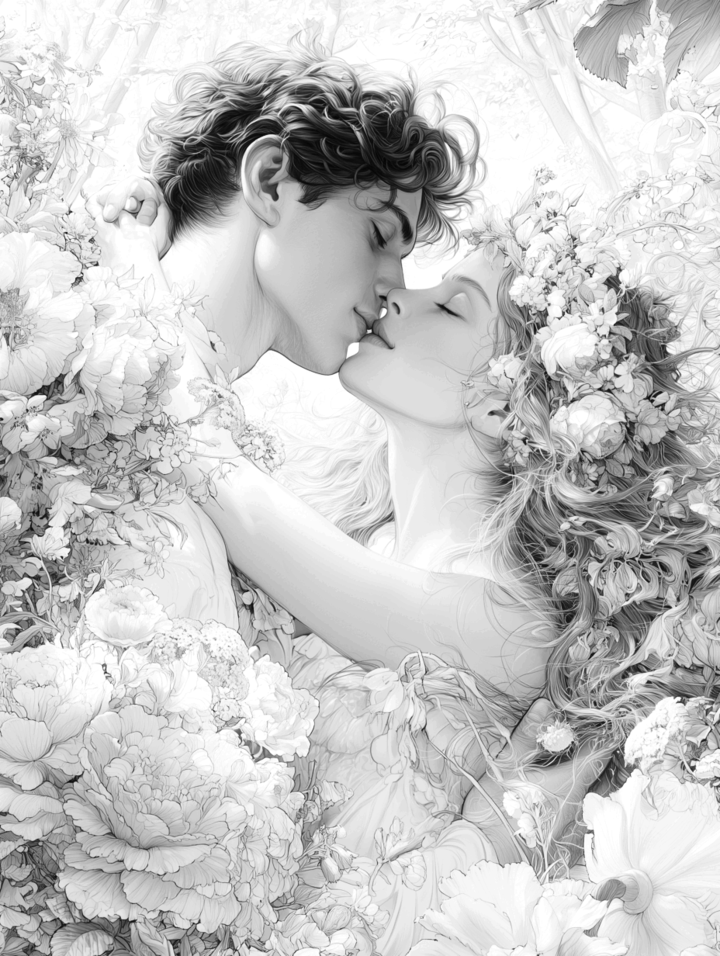 £2.99
Romantasy
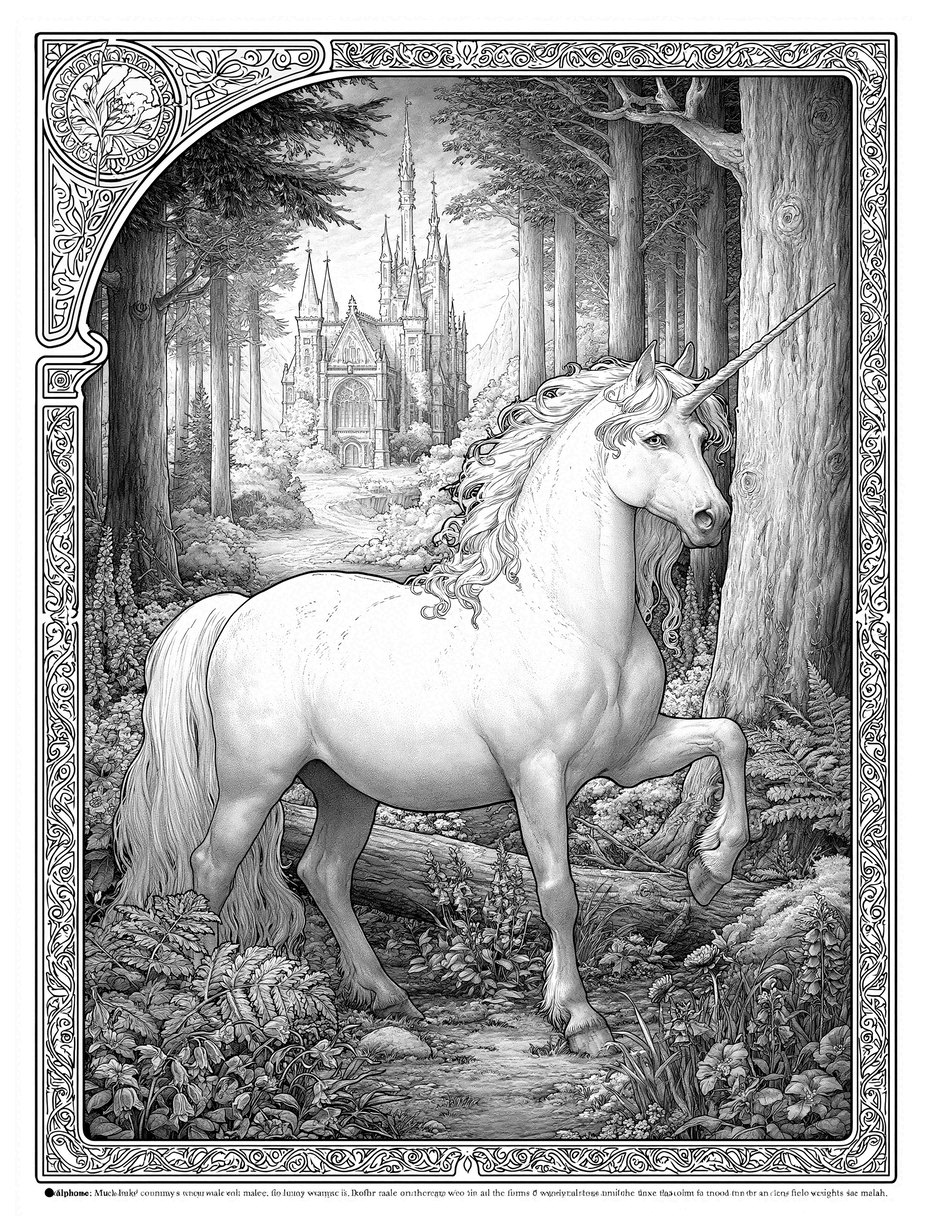 £2.99
Animals
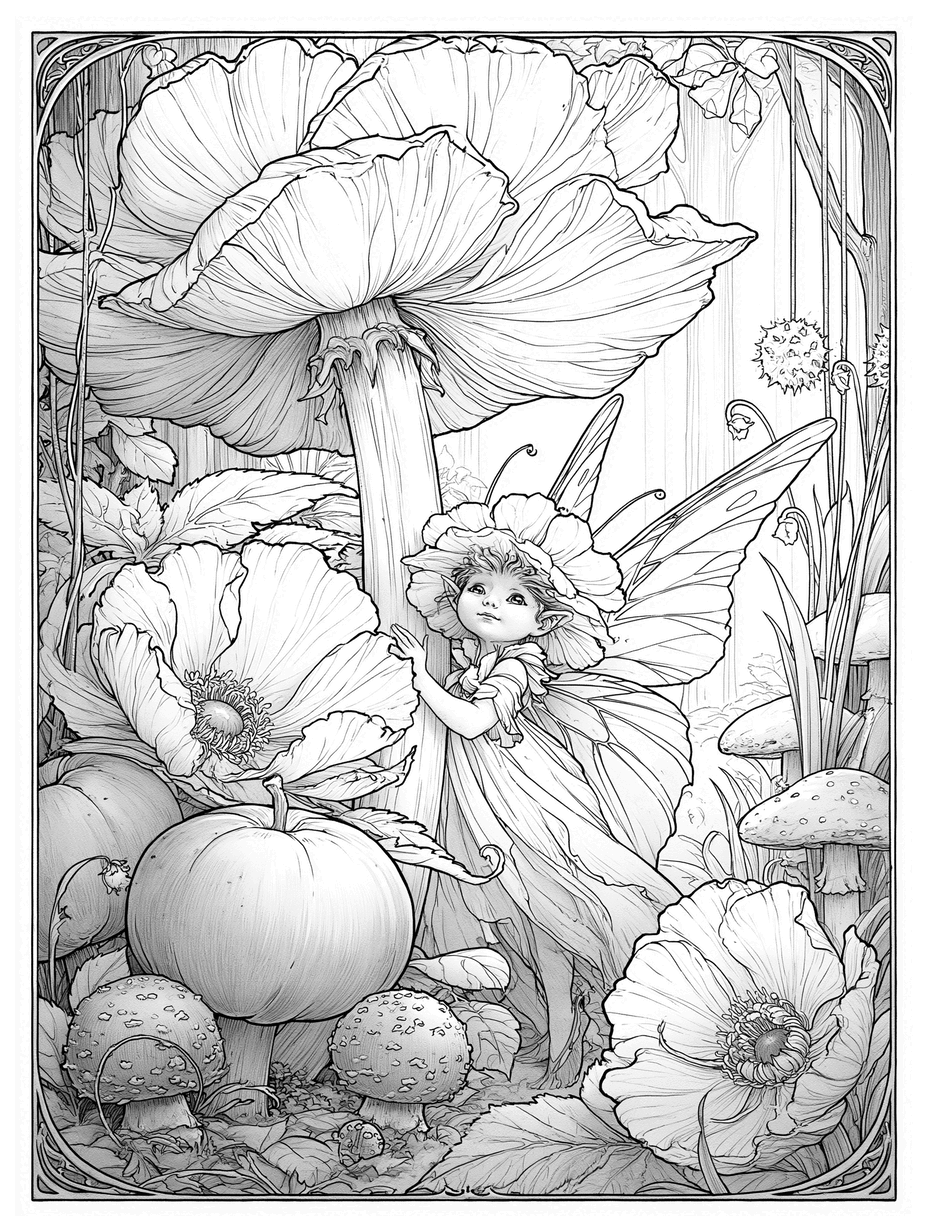 £2.99
Flower Faeries
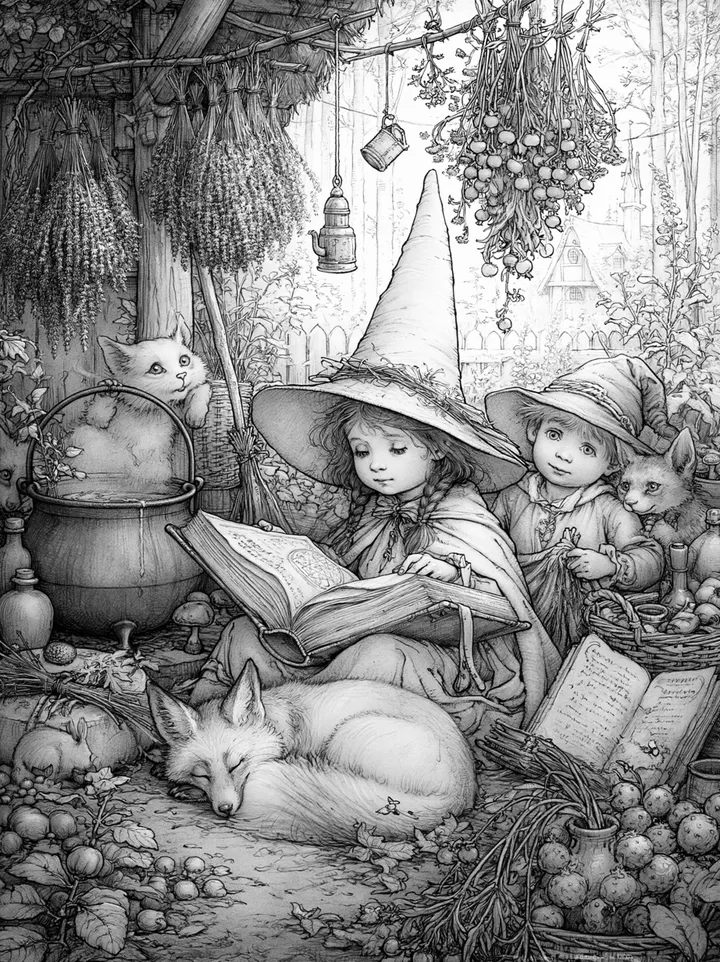 £2.99
Witches & Familiars
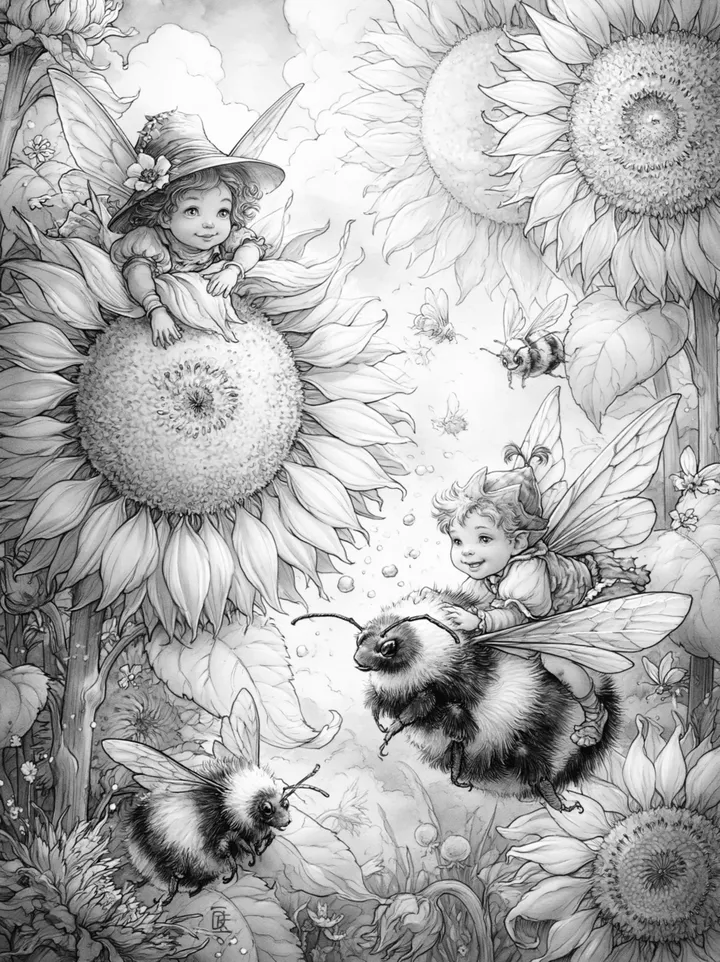 £2.99
Bees, Butterflies & Faeries
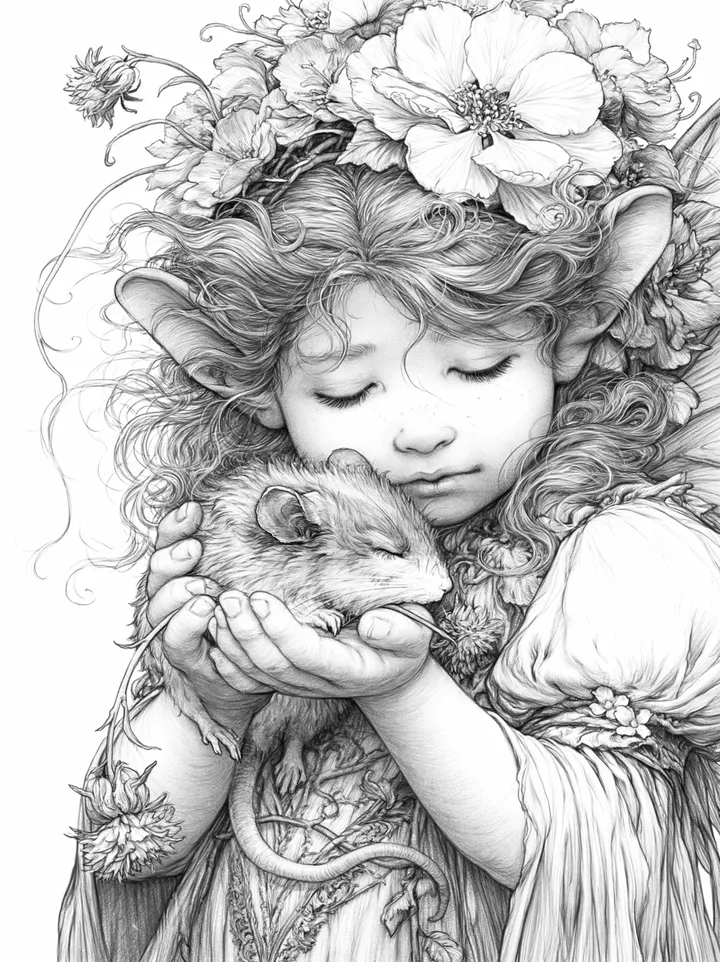 £2.99
Cottagecore Faeries
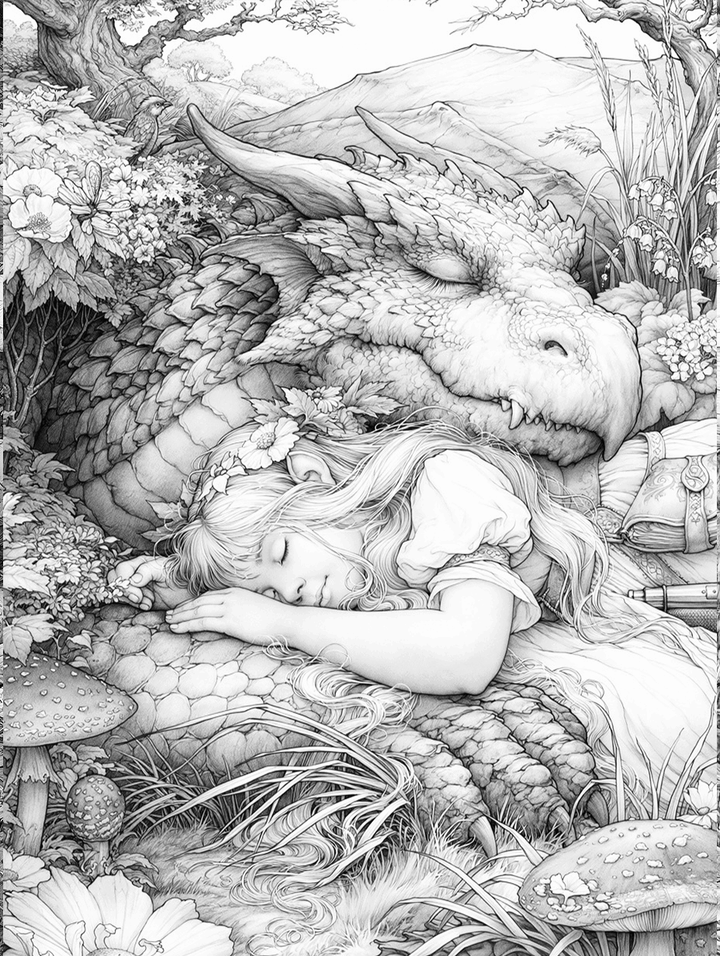 £2.99
Sleeping Dragons
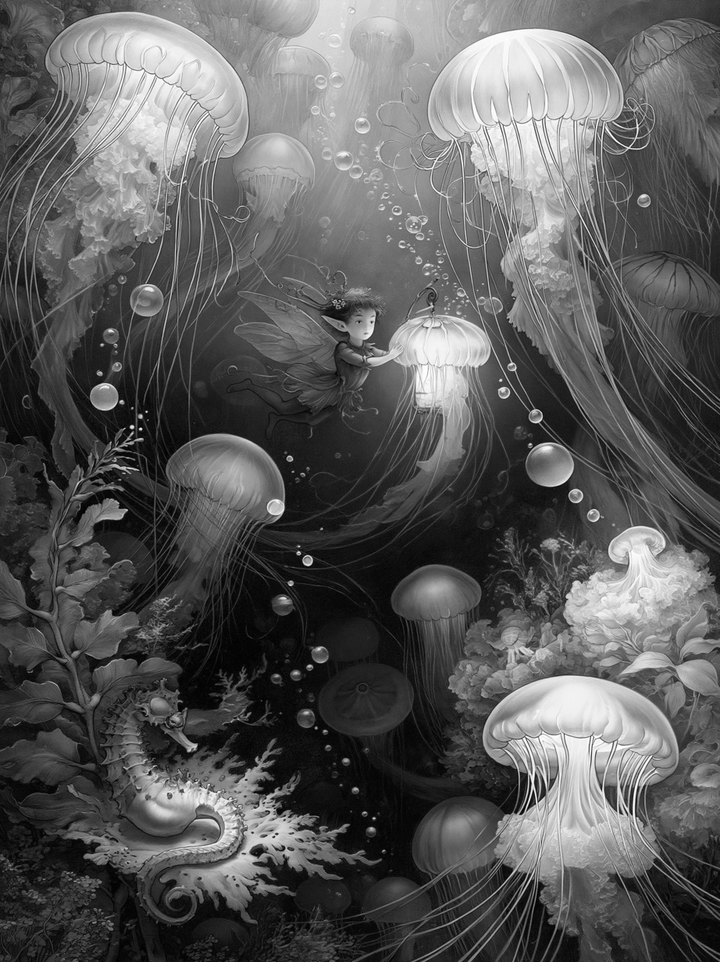 £2.99
Rock Pool Faeries
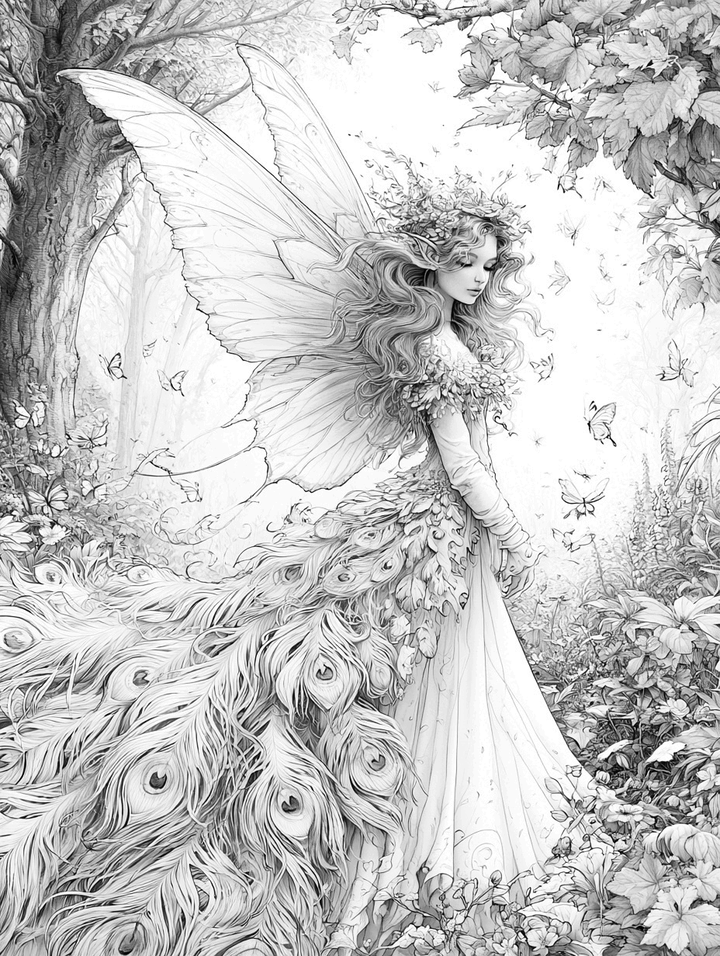 £2.99
Faeries & Peacocks
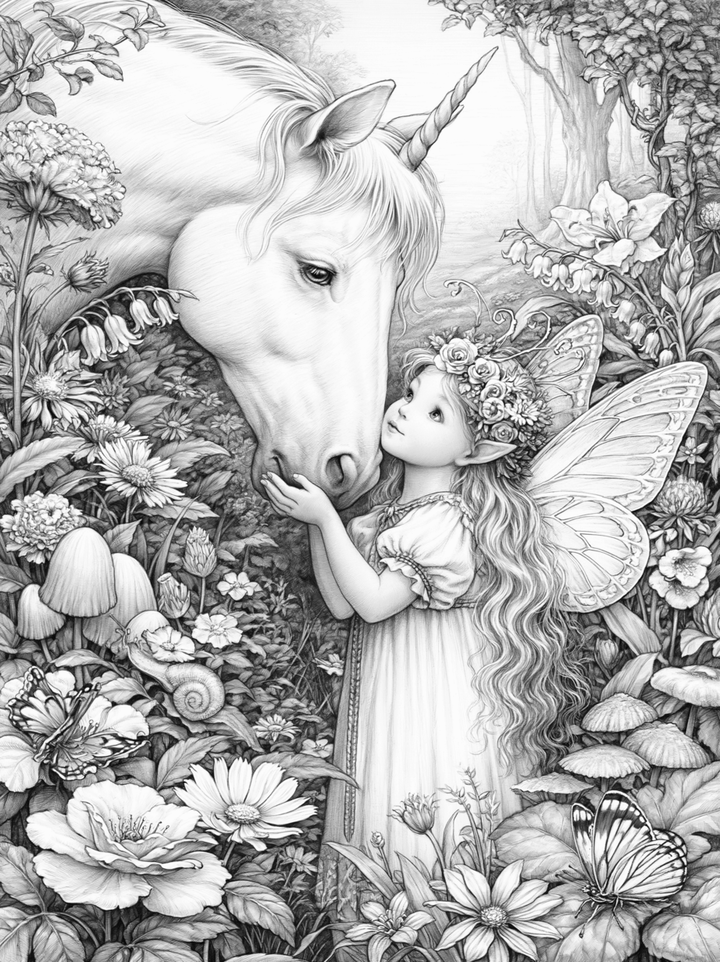 £2.99
Faerie Companions
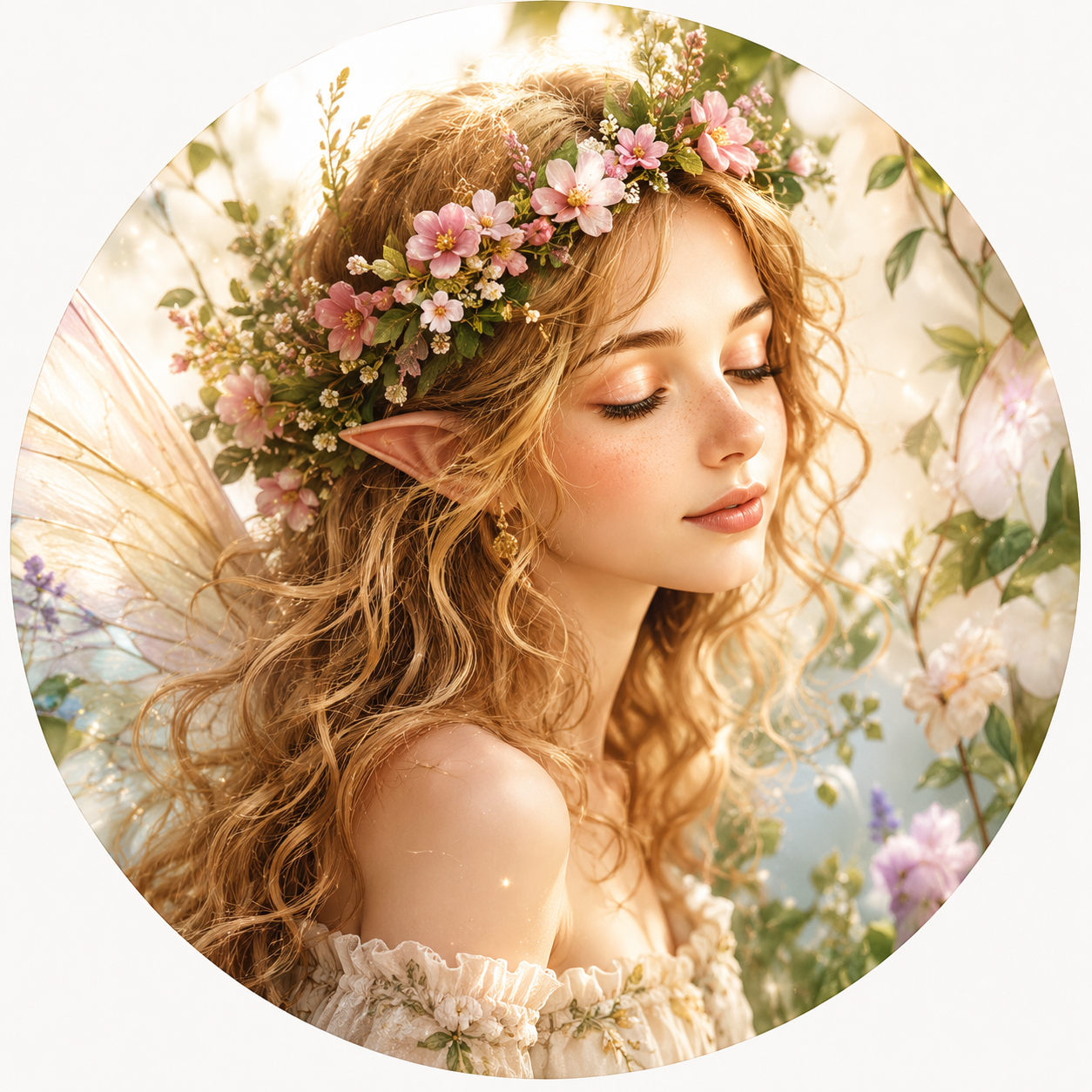
"Like wandering through a storybook. The way the watercolours bleed into the paper is truly mesmerizing. My daily moment of calm."
Featured Review
Begin your journey
A calming creative escape for iPhone and iPad, yours to keep forever. No subscriptions, no ads — just pure imagination.